Customers & Events
- Customer profiles
- Event bookings
- Service history
- Loyalty notes
- Notification preferences
- Scheduled follow-ups
- Email reminders
Food-truck operations software
Run the truck from prep through service without juggling separate tools for orders, stock, and staff.
Manage menus, ticket flow, inventory, purchasing, routes, events, invoices, messaging, schedules, reports, and crew access from one Windows application.
Perpetual license fromLoading priceOne-time purchase
A complete food-truck workspace
Keep daily truck operations, customer communication, crew access, inventory, reporting, deployment, and recovery in one connected Windows application.
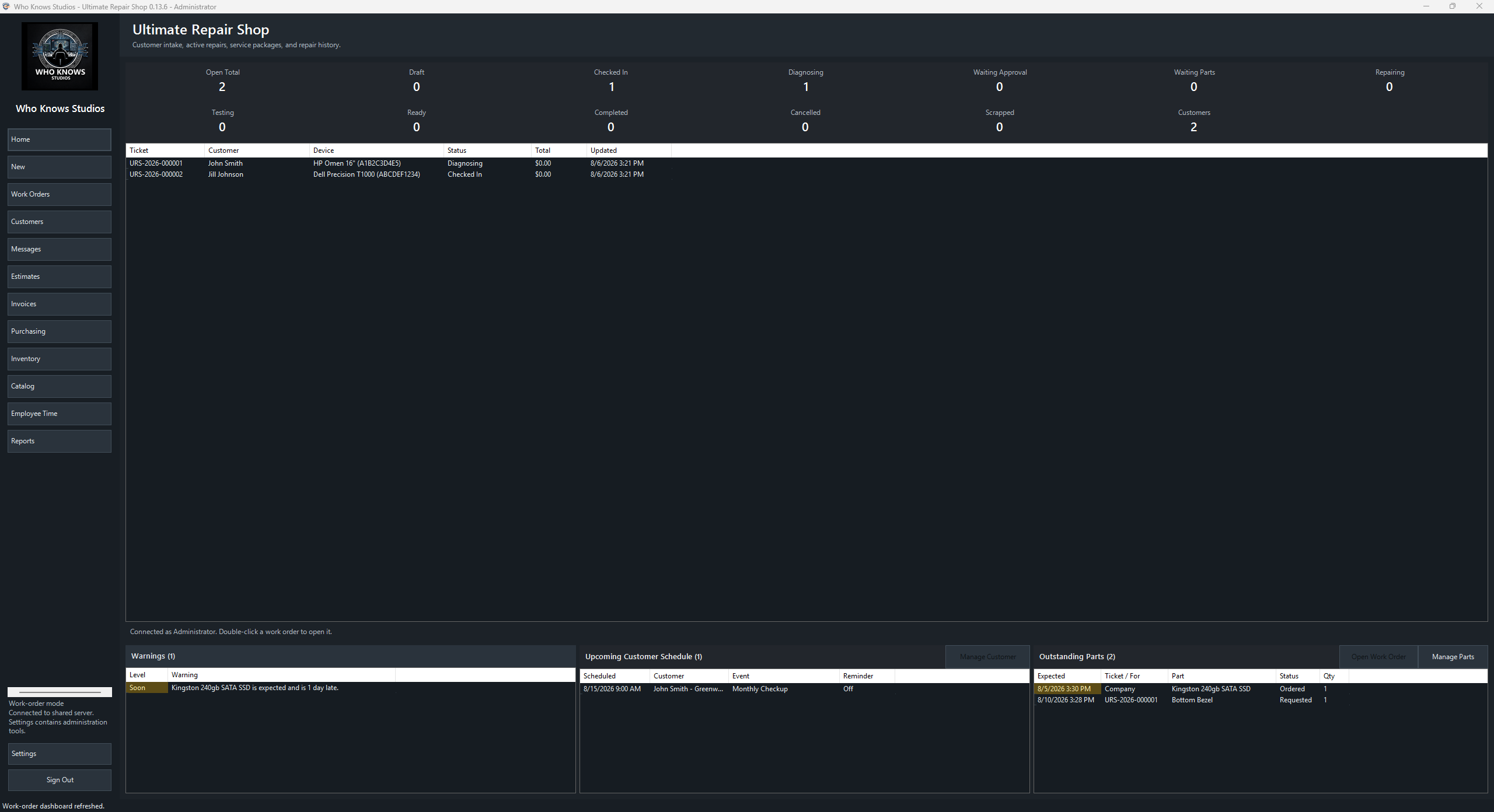
The desktop workspace
A consistent navigation system keeps common truck tasks close while role controls protect administrative areas.
Choose how you operate
The guided setup supports a single portable installation, a Windows PC acting as the truck data host, or a dedicated Ubuntu server for a multi-PC environment.
Keep the application and truck data together on one Windows PC or portable drive. A practical fit for a single-truck operation.
Use one Windows PC as the shared data server so licensed workstations on the same network can work from the same records.
Deploy the operations API and database to an Ubuntu server over SSH, with supported Apache and Nginx reverse-proxy layouts.
No required subscription
Your license does not expire. The base purchase includes one licensed PC and one year of support and update eligibility. Crew accounts are not sold as named-user seats. A second PC on the same LAN can connect when PC1 hosts the local server (that second PC needs its own PC seat).
If an update is released while support is active, it is available to that license. After coverage ends, the installed version remains usable; renew support for another year to receive later releases and publisher assistance.
Before you buy
Permanent use of the purchased version, one licensed PC, and one year of support and update eligibility. Named-user / employee seats are not part of this license.
Yes. Add licensed PCs later through the customer portal. Crew logins are not seat-limited.
You choose during setup: beside the portable application, on a Windows host, or on your own Ubuntu server. The licensing service does not become your operations database.
Your installed version remains licensed and usable. Renew support for another year to receive system releases published after your coverage date and publisher assistance.
Yes. Install with no server, or host the local server on PC1 so PC2 on the same LAN can connect. PC2 still needs its own licensed PC seat; the local server itself does not consume a seat.
Yes. The application includes complete backup and restore tools for application files, configuration, operational data, installers, guides, and supporting assets.
Build your perpetual license
Start with one licensed PC. Add more PCs later if needed. The price below is a one-time purchase.